

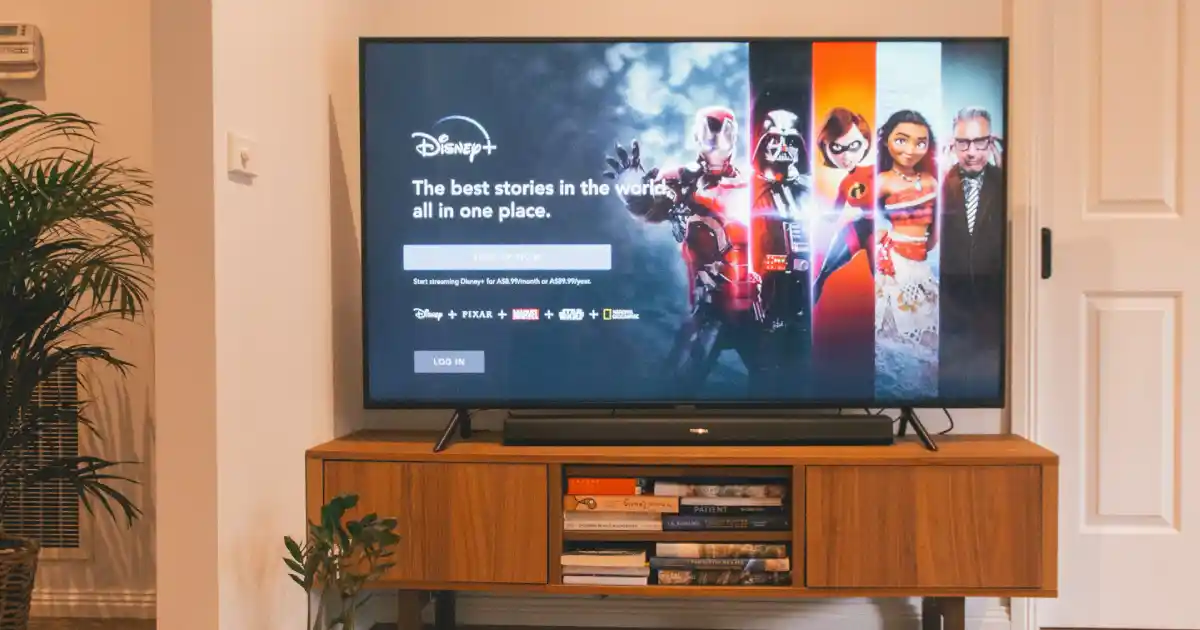
Subscription services are easy to sign up for and easy to forget. A few dollars here and a few dollars there may not seem like much, but over time, monthly subscriptions can quietly drain your budget.
Streaming services, music apps, cloud storage, fitness apps, meal plans, software, beauty boxes, gaming services, and memberships can all add up.
The problem is not that every subscription is bad. The problem is paying for things you do not use, do not need, or forgot you had.
This article is for educational purposes only and is not personal financial advice.
Start With a Subscription Audit
The first step is to find every subscription you are paying for.
Check:
- Bank statements
- Credit card statements
- PayPal
- Apple subscriptions
- Google Play subscriptions
- Email receipts
- App accounts
- Streaming accounts
Write down each subscription.
Include:
- Name
- Monthly cost
- Annual cost
- Renewal date
- How often you use it
- Whether you want to keep it
This gives you a clear picture.
Add Up the Real Cost
Monthly prices can feel small.
But annual cost shows the truth.
For example:
$9.99 per month is about $120 per year.
$14.99 per month is about $180 per year.
$29.99 per month is about $360 per year.
If you have several subscriptions, the yearly total may surprise you.
Seeing the full cost helps you decide what is worth keeping.
Cancel What You Do Not Use
Start with subscriptions you rarely use.
Ask:
Have I used this in the last 30 days?
Would I miss it if it were gone?
Is there a free alternative?
Am I keeping it out of habit?
Does it fit my current budget?
Cancel the easy ones first.
You can always sign up again later if you truly miss it.
Rotate Streaming Services
You do not need every streaming service at the same time.
Instead of paying for five services every month, rotate them.
For example:
- January: Netflix
- February: Hulu
- March: Disney Plus
- April: Max
Watch what you want, then cancel before the next billing cycle.
This can save a lot without removing entertainment completely.
Watch Annual Renewals
Annual subscriptions can be easy to forget because they only charge once a year.
These may include:
- Software
- Apps
- Memberships
- Cloud storage
- Shopping memberships
- Professional tools
- Domain names
- Website services
- Fitness apps
Add renewal dates to your calendar.
Set a reminder at least one week before renewal so you can decide if you still want it.
Share Plans When Allowed
Some services offer family or household plans.
If allowed by the company’s rules, sharing a family plan may cost less than separate accounts.
This may work for:
- Music apps
- Cloud storage
- Streaming services
- Software
- Phone plans
Always follow the service’s terms. Do not share accounts in ways that violate rules.
Use Free Alternatives
Many paid services have free alternatives.
Examples:
- Free music with ads
- Library apps for books and audiobooks
- Free workout videos
- Free budgeting spreadsheets
- Free cloud storage limits
- Free design tools
- Free educational videos
- Free news sources
Free tools may not be perfect, but they can work well if your budget is tight.
Downgrade Instead of Canceling
If you use a service but the price is too high, check for a cheaper plan.
You may be able to downgrade by:
- Reducing storage
- Choosing ads
- Removing premium features
- Switching to individual plan
- Changing billing options
- Canceling add-ons
Downgrading can give you savings without losing the service completely.
Remove Duplicate Services
Many subscriptions overlap.
You may have:
- Multiple streaming services
- Two music services
- Several cloud storage plans
- Multiple fitness apps
- Several design tools
- Several meal planning apps
Choose the one you use most and cancel the rest.
Duplicate services are one of the easiest places to save.
Be Careful With Free Trials
Free trials are not always free if you forget to cancel.
Before starting a trial, set a reminder.
Write down:
- Start date
- End date
- Cost after trial
- Cancelation deadline
Cancel immediately if you only need short-term access and the service allows you to keep the trial until the end.
Do not start free trials casually if you know you forget them.
Check App Store Subscriptions
Many people forget subscriptions inside Apple or Google accounts.
Check your phone settings for active subscriptions.
You may find old apps charging monthly or yearly.
Cancel anything you no longer use.
This is one of the fastest ways to find hidden charges.
Review Work-Related Subscriptions
If you use subscriptions for business, blogging, freelancing, or side hustles, review them too.
Ask:
Does this tool help me earn money?
Do I use it every week?
Is there a cheaper option?
Can I pause it?
Can I switch to annual billing only if it saves money and I truly need it?
Business tools can be worth it, but they should still be reviewed.
Use a Subscription Tracker
A simple tracker can help you stay organized.
You can use a notebook, spreadsheet, or budgeting app.
Track:
- Subscription name
- Cost
- Billing date
- Card used
- Purpose
- Cancelation link
- Renewal date
Review the list every month.
This prevents forgotten charges.
Put Subscriptions in Your Budget
Subscriptions should have their own budget category.
Do not let them hide inside general spending.
For example:
- Streaming: $30
- Apps: $10
- Cloud storage: $5
- Software: $20
When you set a limit, it becomes easier to say no to new subscriptions.
Ask for Discounts
Some companies offer discounts if you try to cancel or switch plans.
You may see:
- Pause option
- Lower-cost plan
- Student discount
- Annual discount
- Family plan
- Temporary promotion
Do not rely on this, but it can be worth checking.
Just make sure the discounted service is still something you need.
Avoid Subscription Creep
Subscription creep happens when you slowly add more and more monthly payments.
One new app here. One new streaming service there. One membership for a sale. One fitness app for motivation.
By the end of the year, the total is much higher than expected.
- Before adding a new subscription, ask:
- What will I cancel to make room for this?
- If the answer is nothing, think twice.
Common Subscription Mistakes
Avoid these mistakes:
Forgetting free trial dates.
Keeping services you rarely use.
Paying for duplicate tools.
Ignoring annual renewals.
Not checking app store subscriptions.
Keeping subscriptions because canceling feels annoying.
Signing up for discounts without planning to use the service.
Small monthly charges deserve attention.
Final Thoughts
Saving money on subscriptions is one of the easiest ways to clean up your budget.
Start by listing every subscription. Cancel what you do not use. Rotate streaming services. Watch annual renewals. Use free options when possible.
You do not have to cancel everything.
Keep what truly adds value to your life and cut what quietly takes your money.